
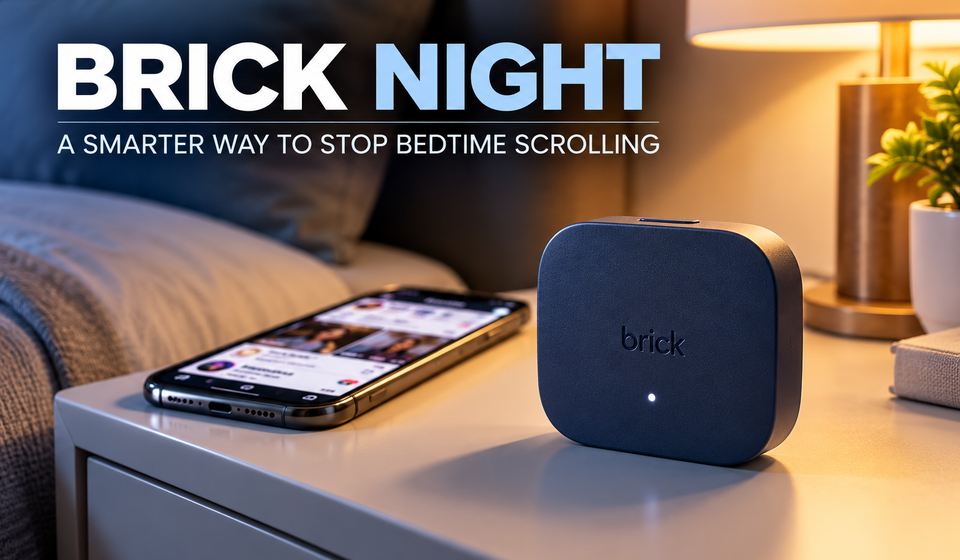
Brick Night: 5 Powerful Ways It Helps Stop Bedtime Scrolling
Brick Night: 5 Powerful Ways It Helps Stop Bedtime Scrolling
Walking into your bedroom should signal the end of the day. But for many smartphone users, getting into bed means opening Instagram, watching videos, checking messages and scrolling through feeds longer than planned. Brick Night is designed to make that habit harder to continue.
Launched on October 22, 2026, Brick Night is a physical app-blocking device from Brick. It uses Bluetooth to automatically block selected apps when your phone enters a designated space during scheduled hours. Unlike a conventional screen-time reminder, it does not rely on you remembering to activate a blocking session every night.
The device costs $129 in the United States and is designed to create a more deliberate boundary between smartphone use and sleep. But how does it work, what features does it offer, and is a separate gadget necessary to control your screen time? Here’s what you need to know.
What Is Brick Night?
Brick Night is a compact, physical device that works with the Brick mobile app to restrict access to selected apps and websites in a defined area. The company describes it as an automatic, location-based app blocker for bedtime and morning routines.
The device is designed to sit in your bedroom or another designated sleeping space. Users select the apps they want to block, define their space and choose the hours when restrictions should apply. After setup, Brick Night uses Bluetooth to activate the selected blocking mode automatically.
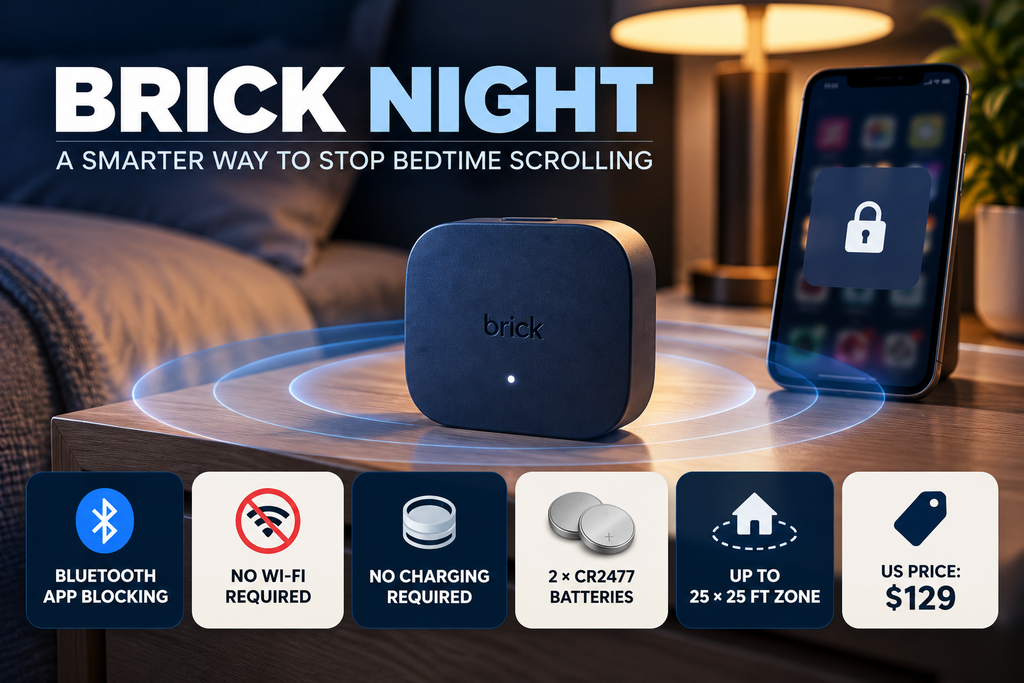
According to Brick, the device can define a space of up to 25 × 25 feet. When a connected phone enters that Bluetooth zone during the scheduled window, the selected apps become blocked. Leaving the zone or reaching the end of the scheduled period removes the restrictions. Source: Brick
5 Key Brick Night Features
1. Automatic App Blocking With Bluetooth
The biggest feature is automatic activation. You do not have to tap your phone against the device every evening or manually start a blocking session.
Brick Night uses Bluetooth signal strength to estimate whether your phone is inside the configured area. When the location and scheduled time conditions are met, the selected blocking mode activates.
This is useful for people who regularly open social media out of habit after getting into bed. Instead of relying entirely on remembering to stop, the device adds a barrier to the routine.
However, Bluetooth-based zones are approximate rather than precise room boundaries. The actual coverage depends on the environment and how the space is configured.
2. Choose Which Apps to Block
Brick Night does not have to block every function on your phone. Through the Brick app, users can choose which apps and websites they want to restrict and configure custom modes.
For example, someone might block Instagram, YouTube and other distracting apps at night while leaving essential phone functions available. The exact selection depends on the options supported by the app and the user’s configuration.
This approach gives users more control over their digital habits than simply switching the phone off. The goal is to reduce distractions while keeping the device useful when needed.
3. Scheduled Hours for Nights and Mornings
Users can set the time window during which Brick Night should operate. Once configured, the device can automatically apply the chosen restrictions during that period.
This can help create a consistent routine, such as limiting distracting apps late at night and avoiding social media immediately after waking up.
The feature is especially relevant to people who intend to reduce their screen time but frequently forget to enable app limits. It does not guarantee better sleep, but it can make it easier to follow a personal screen-time plan.
4. No Wi-Fi or Charging Required
Brick Night uses Bluetooth and does not require a Wi-Fi connection or regular charging. The device comes with two CR2477 batteries included.
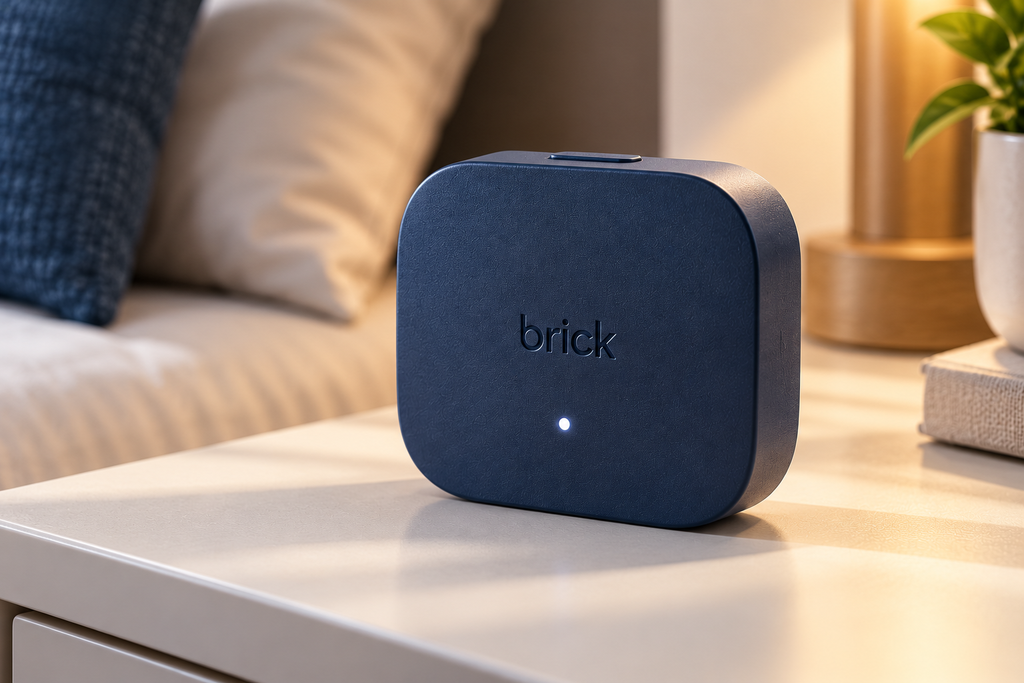
Its compact body measures 73 × 73 × 45 mm and uses ABS and TPU materials. The listed colour is Midnight Blue.
These details make it relatively simple to place on a bedside table without adding another charging cable to the bedroom. The batteries will eventually need replacement, but users do not have to recharge the device like a conventional electronic gadget.
5. Multiple Users Can Share One Device
Brick says Brick Night can support multiple users. Each person can connect through the Brick app and configure their own blocked apps and preferences.
This may be useful for couples or people sharing a bedroom who want to create similar phone-use boundaries without necessarily using identical app restrictions.
Each user still needs to configure their own settings. The feature is intended to make the device practical in shared spaces rather than limiting it to a single phone owner.
Brick Night Specifications
| Feature | Details |
|---|---|
| Product | Brick Night |
| Main purpose | Automatic app blocking |
| Connectivity | Bluetooth |
| Wi-Fi | Not required |
| Charging | Not required |
| Batteries | 2 × CR2477, included |
| Size | 73 × 73 × 45 mm |
| Materials | ABS and TPU |
| Colour | Midnight Blue |
| Defined space | Up to 25 × 25 feet |
| US price | $129 |
Specifications and price are based on Brick’s official product listing. Prices, taxes and availability may vary by region.
Brick Night Price: Is It Worth $129?
Brick Night is listed at $129 on Brick’s official website. For comparison, the company’s original Brick device is listed at $59. The original model uses a physical tap-based activation approach, while Brick Night is designed around automatic Bluetooth-based blocking in a defined space.
That difference is important. Brick Night’s main advantage is convenience: after setup, it can activate based on your location and schedule rather than requiring you to remember to start a session.
But $129 is a substantial price for a device whose primary purpose is to restrict app access. Built-in tools such as Apple Screen Time and Android Digital Wellbeing may be sufficient for people who can follow software-based limits.
Brick Night may be more appealing to people who repeatedly dismiss reminders, override app timers or want an automatic boundary around their bedroom. Whether that convenience justifies the price depends on how difficult it is for them to change the habit without an external tool.
At the time of writing, the official listing shows US pricing. A confirmed India price or India launch was not established in the sources reviewed.
Brick Night vs Regular Screen-Time Controls
Traditional screen-time tools let users set limits, schedules or app restrictions directly on their phones. Brick Night adds a physical device and a Bluetooth-defined area to that process.
That difference may create more friction around late-night scrolling, but it does not mean the device is essential for everyone. Software controls cost nothing extra on supported phones, while Brick Night requires a separate purchase and setup.
There is also a practical consideration: users should understand which apps will be blocked and how restrictions behave before relying on the device. Anyone who needs immediate access to particular apps for work, caregiving or emergencies should configure their modes carefully.
Brick Night Key Points
Should You Buy Brick Night?
Brick Night is a focused gadget for people who want their bedroom to become a less distracting place. Its combination of Bluetooth, scheduled hours, selected-app blocking and battery-powered operation makes the process more automatic than manually switching on a restriction every night.
The biggest drawback is its $129 price. People who already manage their screen time successfully with built-in phone settings may not need it. But for those who regularly find themselves scrolling long after they intended to sleep, the physical boundary may be worth considering.
Brick Night is not a sleep treatment, and there is no guarantee that buying it will improve sleep. It is a digital-wellness tool intended to help users change a recurring phone-use habit.
Conclusion
Brick Night takes a different approach to reducing bedtime scrolling. Rather than relying only on reminders or manually activated limits, it uses Bluetooth and scheduled hours to automatically block selected apps in a designated space.
Its most appealing feature is convenience, especially for people who struggle to put their phones down at night. However, the $129 price means it is best considered a specialised digital-wellness gadget, not an essential purchase for every smartphone user.
For people who want a stronger boundary between their bedroom and distracting apps, Brick Night offers an interesting approach. For everyone else, starting with the free screen-time controls already available on their phone may be the more practical first step.
Frequently Asked Questions
What is Brick Night?
Brick Night is a physical app blocker that uses Bluetooth to automatically restrict selected apps when a connected phone enters a designated space during scheduled hours.
How much does Brick Night cost?
Brick lists Brick Night at $129 in the United States. Regional pricing and availability may differ.
Does Brick Night need Wi-Fi?
No. Brick says the device uses Bluetooth and does not require Wi-Fi.
Does Brick Night need charging?
No. It uses two included CR2477 batteries instead of a rechargeable battery.
Can Brick Night block only selected apps?
Yes. Users can choose apps and websites to restrict through the Brick app and configure custom modes.
Is Brick Night available in India?
The sources reviewed confirm US pricing on the official product page but do not establish an official India launch or local price.
Recommendations :
Lenovo Yoga Pro 9n & Yoga 9n 2-in-1: 7 Powerful Features
OPPO 22.5W Power Bank: 7 Powerful Features
Noise Master Buds Open: 7 Exciting Features