
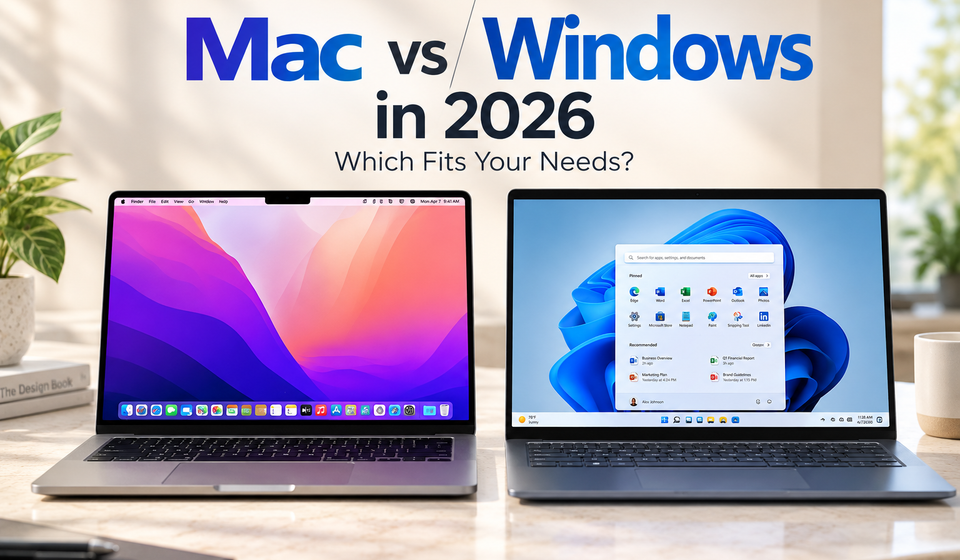
The Mac vs Windows debate has changed significantly in 2026. Both platforms now offer fast processors, on-device AI features, modern software and a wide range of laptops. The bigger difference is no longer simply performance laptops. It is how each operating system fits into a person’s software, hardware, gaming and daily workflow.
Apple’s Mac laptop lineup is built around Apple silicon and macOS, while Windows is available across hardware from many manufacturers. Microsoft also supports Windows 11 on different processor architectures, including Intel, AMD and Qualcomm platforms.
That makes the Mac vs Windows decision more dependent on what you actually do with a laptops.
Mac vs Windows: The Main Difference
Apple controls the hardware and software experience on Mac. Its current Macs use Apple-designed silicon, while macOS provides features designed to work closely with the rest of Apple’s ecosystem.
In 2026, Apple’s latest desktop operating system is macOS 27, while Windows 11 version 26H1 is available on select new devices. Microsoft says Windows 11 26H1 was created for newer silicon and hardware innovations and is offered on new systems rather than as an in-place update for existing Windows 11 PCs.
Windows takes a different approach. Instead of a single hardware design, it powers laptops and desktops from numerous manufacturers. Microsoft’s current Surface Laptop lineup alone includes Snapdragon and Intel processor configurations.
This means Mac laptops emphasizes a more controlled hardware-software environment, while Windows gives buyers significantly more choice.
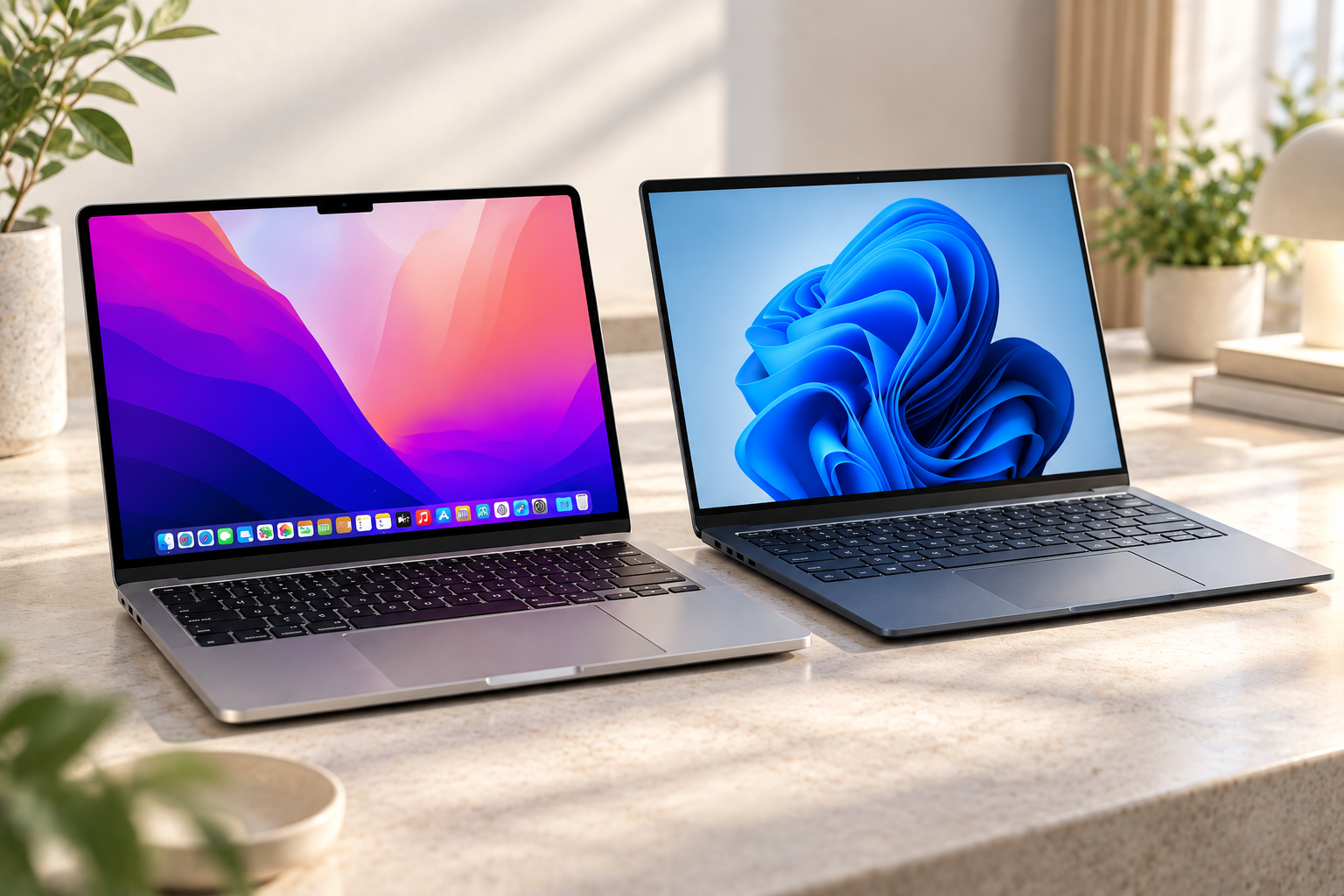
Mac vs Windows Performance in 2026
Performance depends heavily on the actual computer rather than the operating system alone.
Apple’s current MacBook Air, for example, uses the M5 chip, which includes a 10-core CPU, up to a 10-core GPU and Neural Accelerators designed for AI workloads. Apple says the M5 MacBook Air laptops is built for everyday productivity, creative work and AI tasks while maintaining a thin and lightweight design.
Windows laptops cover a much larger range. Buyers can choose systems using Intel Core Ultra, AMD processors or Qualcomm Snapdragon chips. Higher-end Windows machines can also include dedicated NVIDIA or AMD GPUs for workloads that benefit from substantial graphics processing. Microsoft’s own Surface range demonstrates how different processor architectures can exist within the same Windows ecosystem.
Therefore, comparing Mac vs Windows performance based only on processor names is not particularly useful. The exact chip, cooling system, memory, storage and GPU matter.
Mac vs Windows for Students
For students, the decision often comes down to the applications required by their course.
A Mac can be suitable for general education, writing, browsing, programming and creative applications. Apple also supports common file formats such as Office documents, PDFs and images.
Windows can be particularly important when a university course requires specialized Windows software. For example, SOLIDWORKS 2026 lists Windows 11 as a supported operating system for its client products, while its Mac support is focused on eDrawings rather than the full SOLIDWORKS application.
Engineering students should therefore check the exact applications required by their college before buying a laptops.
This does not mean every engineering application is Windows-only. Autodesk, for example, provides AutoCAD for both Windows and Mac, although some specialized AutoCAD toolsets are Windows-only.
Mac vs Windows for Professionals
For office and professional work, both operating systems support major productivity applications.
The important difference is often the wider software environment around the computer. Windows has a long-established presence in business environments, enterprise applications and specialized professional software. Mac is widely used for productivity, software development, design and creative workflows.
Apple’s current Mac laptops platform also includes ecosystem features that connect Macs with iPhones and other Apple devices. macOS 26 introduced expanded Continuity features such as the Phone app, Live Activities and deeper Apple Intelligence integration.
Windows, meanwhile, is available across a much wider variety of hardware configurations, allowing businesses and individuals to select devices based on size, processor, graphics capability and price.
For professionals, software compatibility should therefore be checked before choosing an operating system.
Mac vs Windows for Creators
The comparison becomes more balanced for content creators.
Mac hardware is closely integrated with Apple silicon, which combines CPU, GPU, media processing and AI acceleration in a single architecture. Apple’s M5 MacBook Air, for example, includes a next-generation GPU, Neural Accelerators and hardware designed for creative and AI workflows.
Windows offers a different advantage: hardware variety. A creator can choose a thin laptop for editing on the move or a much larger system with a powerful dedicated GPU for demanding 3D rendering, AI workloads and other GPU-intensive applications.
For creators, the choice should therefore consider the software being used, GPU requirements, external-display needs and whether portability or upgrade flexibility matters more.
Mac vs Windows for Gaming
Gaming is one of the clearest areas where hardware and software availability matter.
Windows 11 laptops supports gaming technologies including Direct Storage, Auto HDR and optimizations for windowed games. Microsoft also offers Windows gaming systems across a wide selection of hardware, including dedicated graphics cards and different form factors.
Mac gaming has also developed significantly. Apple provides Game Porting Toolkit 4 to help developers bring existing Windows games to Mac and other Apple platforms, while Apple’s Metal graphics technology is designed for gaming and GPU workloads.
However, game availability still varies by title and platform. Someone choosing a computer primarily for gaming should check whether the games they actually play support their preferred operating system.
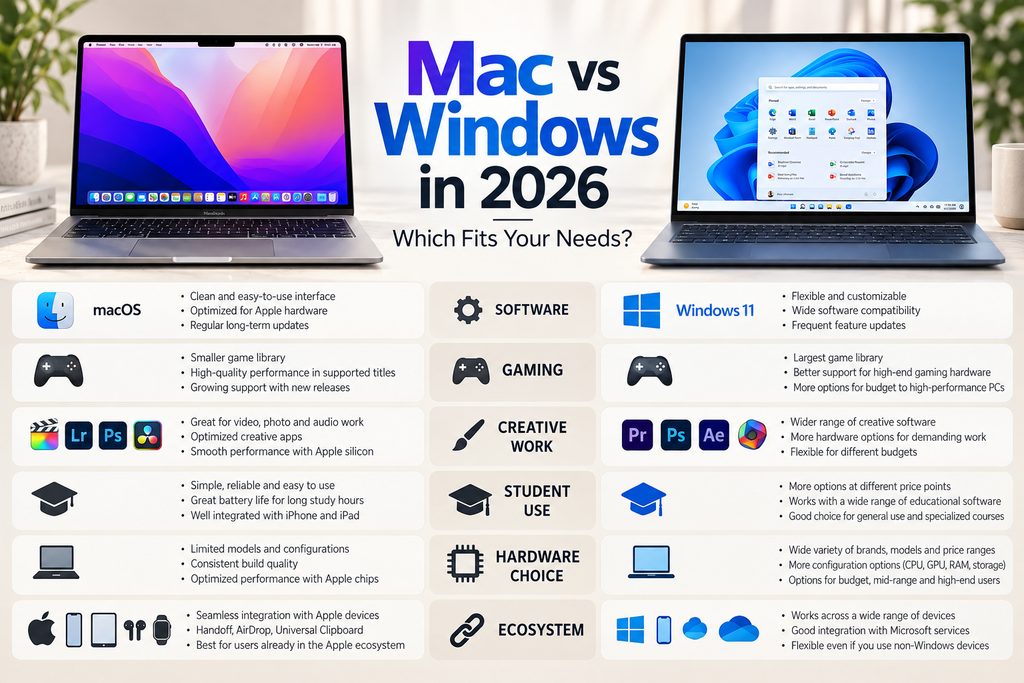
Battery Life and Portability
Battery life varies considerably across Windows laptops because Windows hardware ranges from lightweight machines to high-performance gaming systems.
Mac notebook laptops have a more limited hardware range, and Apple’s Apple silicon architecture is designed around performance and power efficiency. Apple rates the M5 MacBook Air for up to 18 hours of battery life, although actual runtime depends on usage and settings.
Windows also has highly efficient laptops, particularly newer systems using processors designed for low-power operation. Microsoft’s Windows 11 26H1 specifically targets newer silicon and hardware innovations associated with performance and battery-life improvements.
For buyers focused on portability, the exact laptop model matters more than choosing an operating system in isolation.
Software Compatibility Matters Most
Before making a Mac vs Windows decision, check the software you use every week.
Microsoft Office applications are available on Mac, and many common file formats work across both platforms.
However, specialized applications can have different support levels. SOLIDWORKS 2026, for instance, lists Windows 11 for its main client software, while Autodesk supports AutoCAD on both Windows and Mac.
This is why the application list should come before the laptop purchase.
Mac vs Windows: Which One Fits You?
The two platforms fit different combinations of needs.
Mac makes sense for users who prioritize Apple’s ecosystem, macOS, portability, Apple silicon performance and creative workflows.
Windows offers greater hardware choice and is particularly relevant for users who need specialized Windows software, dedicated graphics hardware, broader PC gaming support or a specific laptop configuration.
Neither description applies equally to every user. A student studying engineering may have very different requirements from a photographer, software developer or PC gamer.
Mac vs Windows: Final Takeaway
The Mac vs Windows choice in 2026 is less about finding one operating system that works for everyone and more about matching the platform to your workload.
Mac offers a tightly integrated hardware and software experience built around Apple silicon and macOS. Windows provides a much broader hardware ecosystem, multiple processor choices and extensive support across gaming, business and specialized applications.
The most useful way to choose is to start with your software requirements, gaming library, budget, portability needs and preferred ecosystem. Once those requirements are clear, the right platform becomes much easier to identify.
FAQ
- Is Mac or Windows better for students?
It depends on the software required by the student’s course. Both can handle general study, browsing and productivity, while some specialized applications have different platform requirements. - Is Windows better for gaming in 2026?
Windows supports a broad range of PC games, graphics hardware and gaming technologies such as Direct Storage and Auto HDR. Game availability on Mac varies by title. - Can Mac run Windows software?
Some Windows applications can be used through virtualization or compatibility solutions, but support and performance depend on the application and the Mac hardware. Modern Apple silicon Macs should not be assumed to support every Windows application natively. - Which is better for creators, Mac or Windows?
Both platforms support professional creative workflows. Mac benefits from Apple silicon and its integrated media-processing hardware, while Windows offers a broader range of dedicated GPU configurations. - Which operating system has more hardware choices?
Windows has a substantially broader hardware ecosystem, with laptops and desktops available from many manufacturers and across multiple processor and graphics configurations.
Recommendations
- Gaming Laptop vs Normal Laptop: Which One Should You Buy in 2026?
- Top Laptops of 2026 Compared: ASUS, Samsung, HP & Lenovo Buying Guide
- Best TVs Under ₹1 Lakh: 4 Premium TVs You Should Consider
Source
- Apple — macOS : Apple macOS official page
- Microsoft — Windows 11 : Windows 11 official page